

An experienced administrative assistant may spend a meeting absorbing technical decisions, tracking who agreed to what, and preparing a summary for several people. ADHD-related working-memory gaps become costly when a recording is interrupted, a meeting splits into two files, or a speaker’s name is missing from the action item.
This article compares seven AI tools for turning high-value conversations into shareable actions.
How we evaluated administrative AI tools
Every product faced the same high-value conversation. An executive and technical team discuss a change, reach several conclusions, and assign actions.
We checked whether each tool can recover the conversation, participants, conclusions, action owners, and source after an interruption.
We also checked the timeline.
- Does it stay continuous?
- Can it identify speakers?
- Does it return the assistant to the source instead of creating another search task?
Quick comparison
| Tool | Best environment | Conversation to action | Action state | Calendar action | Context recovery | Approval and automation |
|---|---|---|---|---|---|---|
| Microsoft Copilot | Outlook and Teams | Eligible meeting and email assistance | Needs an explicit action-tracking practice | Microsoft calendar assistance | Eligible Microsoft context | Review before sharing or change |
| Gemini Workspace | Gmail and Calendar | Eligible meeting and email assistance | Needs an explicit action-tracking practice | Google calendar assistance | Eligible Google context | Review before sharing or change |
| Notion AI | Action board and SOPs | Source can be linked | Strong visible views | Connection may be separate | Maintained workspace | Database automation needs oversight |
| ChatGPT | Fast breakdown and drafting | Manual context in and out | No native persistent action view | Separate system | Supplied context | Human transfer and approval |
| Claude | Long threads and SOP drafts | Manual context in and out | No native persistent action view | Separate system | Supplied long context | Human transfer and approval |
| Plaud NotePin S | High-value conversation capture | Spoken source becomes a candidate | Transfer to action system required | Separate system | Consented recording | Review before formal entry |
| Zapier | Stable cross-app triggers | Can move or flag supported data | Strong when rules are explicit | Supported actions | Depends on connected source | Human in the Loop can pause a run |
Best AI tools for administrative assistants with ADHD
Plaud NotePin S: best for capturing high-value conversations
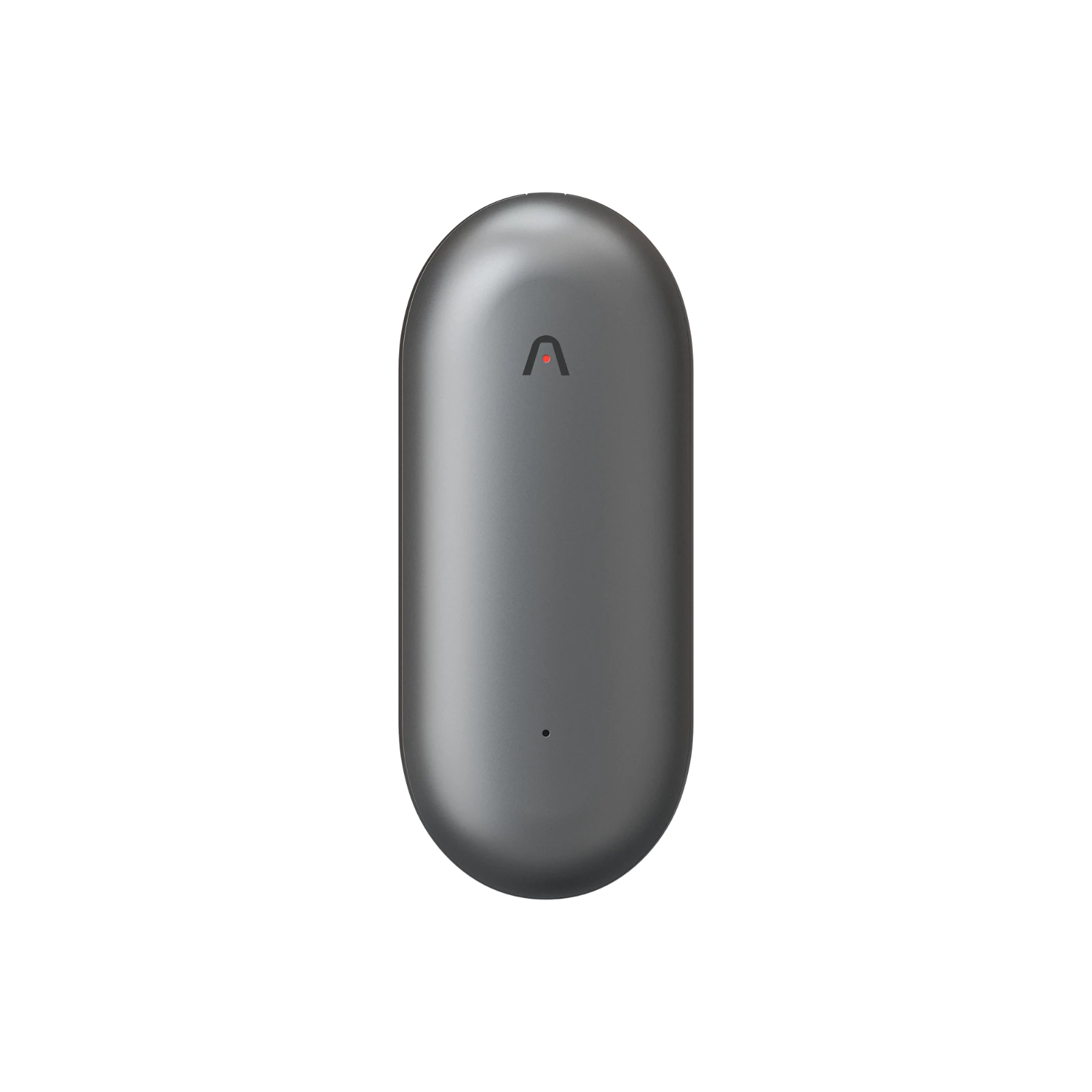
Plaud NotePin S is a wearable AI note taker for assistants who need a continuous record of high-value meetings, calls, and in-person conversations. It preserves the spoken source and speaker context long enough to create a shareable administrative record.
Pros:
- Keeps one meeting timeline when recording is interrupted and restarted.
- Helps identify speakers, conclusions, and actions before sharing.
Cons:
- Still requires transfer into the waiting system.
After the conversation, review the synced record in Plaud App and confirm speaker names, meeting purpose, conclusions, action owners, and any approval boundary. Make only the light edits needed for clarity, then share the summary with the people who need it and attach the approved source reference.
Plaud NotePin S does not merge interrupted files automatically into a confirmed action log or confirm that an assignee accepted the work. The assistant still checks names, conclusions, and status before sharing. Use clear participant notice and applicable consent, follow organizational recording policy, and restrict sensitive records. The device adds most value when important conversations happen faster than notes can be typed.
Microsoft Copilot: best for Outlook and Teams administration

Microsoft Copilot makes the most sense when the executive’s request, attendee replies, and calendar all live in Microsoft 365. It can help summarize an eligible Outlook thread, draft a reply, and work close to Teams and calendar context under the organization’s configuration.
Pros:
- Keeps Outlook, Teams, and calendar context near the request.
- Helps draft the next follow-up after source review.
Cons:
- Still needs a visible waiting-state view.
For a technical meeting, reopen the source transcript and compare the speakers with the action list. Create a REVIEW item that names the unresolved conclusion, owner, and next-check time. When that time arrives, use the latest source to draft a concise update. Confirm names, wording, and executive approval before sharing.
The remaining gap is state ownership. A draft in Outlook does not make an unresolved action return for review. Licensing, delegated mailbox permissions, calendar access, and administrator controls also vary. Microsoft Copilot suits a Microsoft-first administrative team, but it still needs a defined status view and closing rule.
Cost note: Microsoft 365 Copilot depends on plan, admin settings, delegated access, and security policy.
Gemini Workspace: best for Gmail and Google Calendar administration

Gemini Workspace fits assistants whose leaders use Gmail, Google Calendar, Meet, Docs, and Drive. Eligible features can help summarize a request, draft a reminder, and keep the calendar and source email close together without copying the full thread into another chat.
Pros:
- Keeps Gmail and Calendar checks in one account context.
- Helps prepare reminders from the live source thread.
Cons:
- Cannot settle priorities across several executives alone.
Use the same review discipline. Open the Gmail thread and Meet notes, identify which conclusion or action still needs confirmation, and set a next check. When the item returns, verify the latest source before drafting. The assistant approves the summary and any Calendar or email update only after checking names, access, and executive preference.
Google context reduces retrieval when the correct delegated account and files are available. It does not settle priorities across several executives or define completion. Gemini Workspace suits a Google-first team with clear permissions. It is less helpful when the request and schedule live in external systems.
Cost note: Gemini Workspace depends on edition, admin controls, account access, and available features.
Notion AI: best for visible status and SOPs

Notion AI helps when the administrative team already runs a meeting-action board. A database can show REVIEW items whose next-check date has passed, SHARED summaries by meeting, and APPROVAL items that need the executive’s decision.
Pros:
- Makes actions visible by speaker, owner, and date.
- Gives an interrupted assistant a return point with the source attached.
Cons:
- Becomes another burden if the board is overbuilt.
The assistant opens the due review view, follows the link to the original recording or transcript, and updates the record only after checking the latest wording. Notion AI can help search the workspace, create database structures, and summarize supporting content. The board gives a returning assistant the speakers, conclusion, source, and next action after an interruption.
The board fails when updates become another manual burden. Keep the fields small: meeting, speakers, state, owner, next check, source, and completion rule. Choose Notion AI when the team already maintains operational status there. If the assistant has to update ten properties before one shareable summary, the system is working against the brief.
Cost note: Notion AI cost depends on plan, AI access, connectors, permissions, and existing workspace use.
ChatGPT: best for fast drafting and request breakdown

ChatGPT can draft when a technical discussion contains several conclusions or an awkward follow-up. Give it an approved summary of speakers, decisions, unresolved points, and the response needed. Ask for a concise draft and a checklist of facts to verify.
Pros:
- Reduces blank-page friction for careful follow-ups.
- Breaks mixed requests into actions and checks.
Cons:
- Does not watch the mailbox or calendar hold.
It can separate a mixed discussion into decision, direct action, waiting item, and approval. The assistant still checks the live transcript because the supplied context may already be stale.
ChatGPT does not watch the recording archive or know whether an action was completed unless an approved setup supplies that context. Use it for thinking and wording, not as the single source of action status.
Cost note: Confirm the approved OpenAI plan, data controls, connectors, and workspace settings.
Claude: best for long email threads and SOP drafts

Claude is the better writing aid when the request sits inside a long thread, travel plan, event brief, or administrative procedure. With approved material, it can condense the history into a state summary and prepare a bounded response.
Pros:
- Condenses long threads into checkable fields.
- Helps turn reviewed steps into an SOP.
Cons:
- Does not make the waiting item return by itself.
For a technical meeting, ask for four outputs: confirmed speakers, conclusions, unresolved actions, and a recommended next message. Compare each field with the source transcript. If the procedure itself is unclear, Claude can help turn the reviewed steps into an SOP that another assistant can follow.
The tool does not monitor the recording archive, maintain action status, or make the item return at the next-check time by itself. Sensitive executive and external-contact data also requires approved handling. Claude suits long-context writing work, while the review state remains in a task, database, or automation system. It should reduce the effort of understanding the discussion, not become a second inbox.
Cost note: Confirm the approved Anthropic plan, account controls, and data policy.
Zapier: best for repetitive cross-app triggers

Zapier works when the waiting rule is stable. A supported workflow can watch a status or date, bring the item back at the next check, and prepare a flag, draft, or approval request. Zapier’s Human in the Loop feature can pause a Zap for review before it continues.
Pros:
- Returns stable waiting items for review.
- Can pause risky actions for human approval.
Cons:
- Breaks when fields, credentials, or rules drift.
For a shared action board, the trigger should identify a REVIEW item whose check date has arrived. The review step shows the source, unresolved action, owner, and proposed update. The assistant checks the latest record, approves or rejects the draft, and only then shares the summary or changes the task status.
Automation adds maintenance. Credentials expire, fields change, duplicate triggers happen, and a rule that worked for one executive may be wrong for another. Use Zapier for repetitive, observable processes with an owner and an exception queue. Keep irregular or high-risk requests behind manual review. A good Zap returns the item for approval.
Cost note: Zapier cost depends on plan limits, supported apps, task volume, and approval-step availability.
Build an action-tracking system that closes the loop
Here is how.
1. Every action needs an owner and a date
“Follow up later” is too vague. Write “Jordan owns the vendor check, review the reply Thursday, and attach the source note.” The line tells the assistant what to inspect and what happens next without reopening the full recording first.
2. Automation should draft or flag before it sends
Use automation to return the item and prepare the next action. Keep names, conclusions, private details, and external sharing behind approval. A visible review queue is safer than an invisible rule that acts on a stale summary.
3. Permissions, audit trails, and multi-executive privacy
Separate each leader’s delegated mailbox, private calendar, and confidential requests according to organizational policy. Do not assume that access to one executive’s inbox grants access to another executive’s personnel, legal, or medical information. Apply the native source permissions before connecting an AI or automation tool.
Record who changed the state, approved the message, and modified the calendar. Test automations with non-sensitive examples and review failures. If a request crosses executive boundaries, show only the minimum context required to schedule it. The assistant should be able to explain what the tool did and reverse a draft action before it reaches an external person.